Your photo, rebuilt in studs and flat tiles.
REGO Studio turns any image into a buildable 2D mosaic of interlocking bricks. Choose a baseplate, dial in the texture, and walk away with a high-res preview and a ready-to-order parts list (.XML).
- Baseplates
- 48–128
- Color matching
- CIELAB
- Exports
- PNG + XML
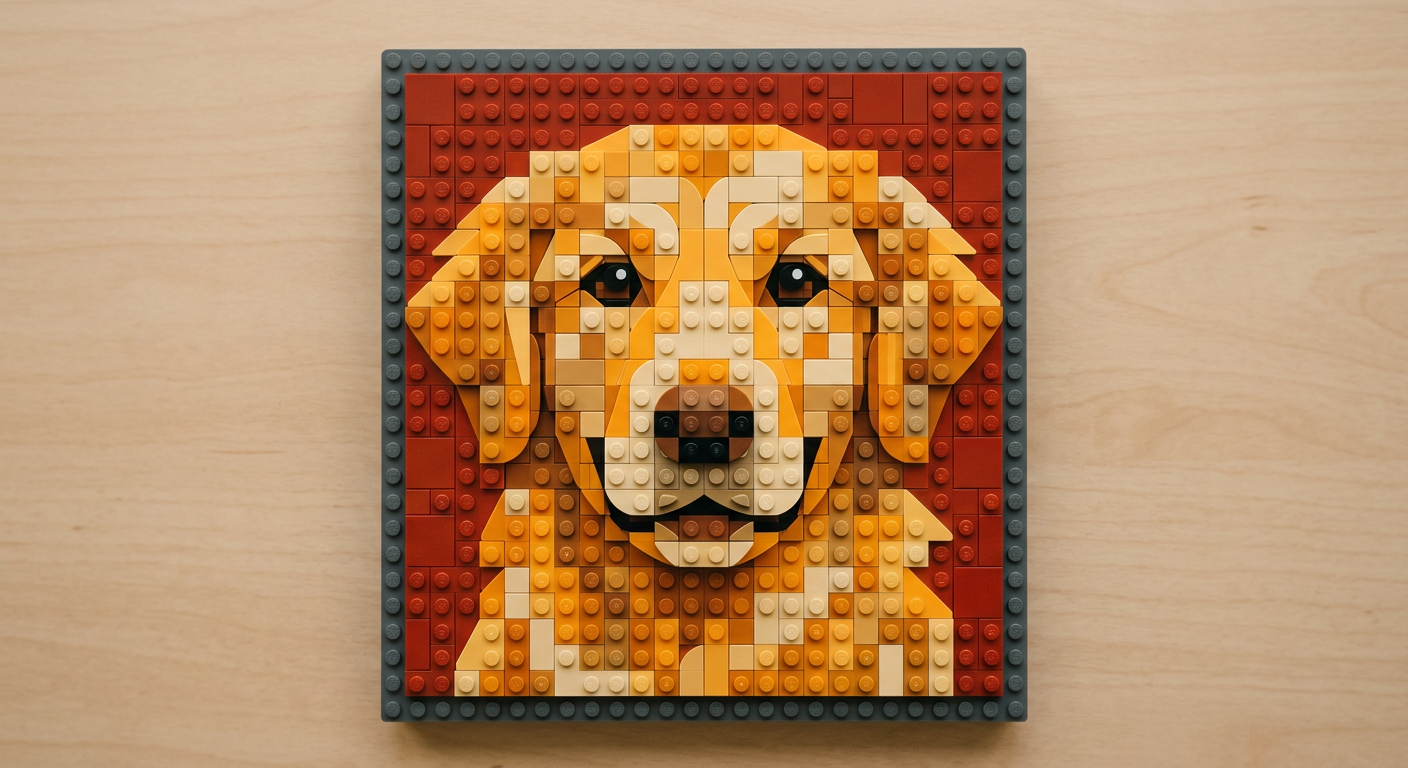
4,096 studs
64 × 64 baseplate
The Studio
Design your mosaic
Everything renders on our mosaic engine — color matching, piece packing, and the parts list are calculated for you.
Your mosaic will appear here
Upload a photo, pick a baseplate, and hit Generate to see the build.
How it works
From pixels to pieces in three steps
- 01
Upload a photo
Portraits, pets, and bold graphics work best. Crop tight around your subject for maximum detail.
- 02
Tune the build
Pick a baseplate size and blend raised studs with smooth flat tiles for the texture you want.
- 03
Download & build
Get a high-res preview and a parts list (.XML) you can upload to most online parts marketplaces.
Baseplates
Pick the scale of your story
Bigger baseplates capture finer detail. Not sure? Choose Auto and the engine sizes it to your photo.
Small
48 × 48 · 2,304 studs
Medium
64 × 64 · 4,096 studs
Large
96 × 96 · 9,216 studs
XL
128 × 128 · 16,384 studs