Your photo, rebuilt in studs and flat tiles.
REGO Studio turns any photo into a buildable 2D or 3D sculpted mosaic of interlocking bricks and flat tiles. Pick a baseplate, set how close the colors stay to your photo, and get an HD blueprint, a step-by-step isometric manual, and a ready-to-order parts list (.XML).
- Baseplates
- 48–128
- Color matching
- CIELAB
- Exports
- PNG + XML
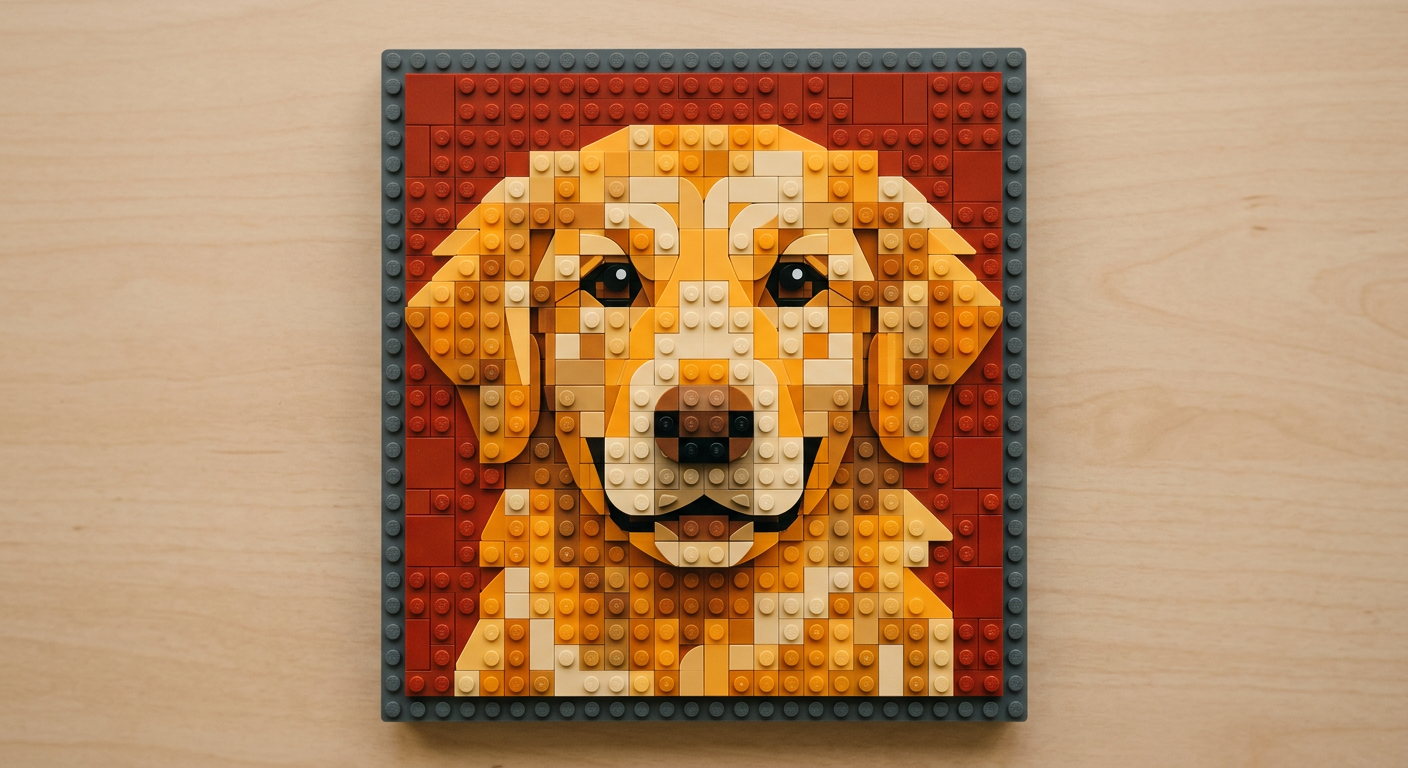
4,096 studs
64 × 64 baseplate
The Studio
Design your mosaic
Upload a photo, choose your size and 2D or 3D style, and get your HD blueprint and parts list in seconds.
Placing studs and tiles…
Matching colors and packing pieces. Larger baseplates can take up to a minute.
How it works
From pixels to pieces in three steps
- 01
Upload a photo
Portraits, pets, and bold graphics work best. Crop tight around your subject for maximum detail.
- 02
Tune the build
Pick a baseplate size and blend raised studs with smooth flat tiles for the texture you want.
- 03
Download & build
Get a high-res preview and a parts list (.XML) you can upload to most online parts marketplaces.
Baseplates
Pick the scale of your story
Bigger baseplates capture finer detail. Not sure? Choose Auto and the engine sizes it to your photo.
Small
48 × 48 · 2,304 studs
Medium
64 × 64 · 4,096 studs
Large
96 × 96 · 9,216 studs
XL
128 × 128 · 16,384 studs